04 / 05
HoverDict
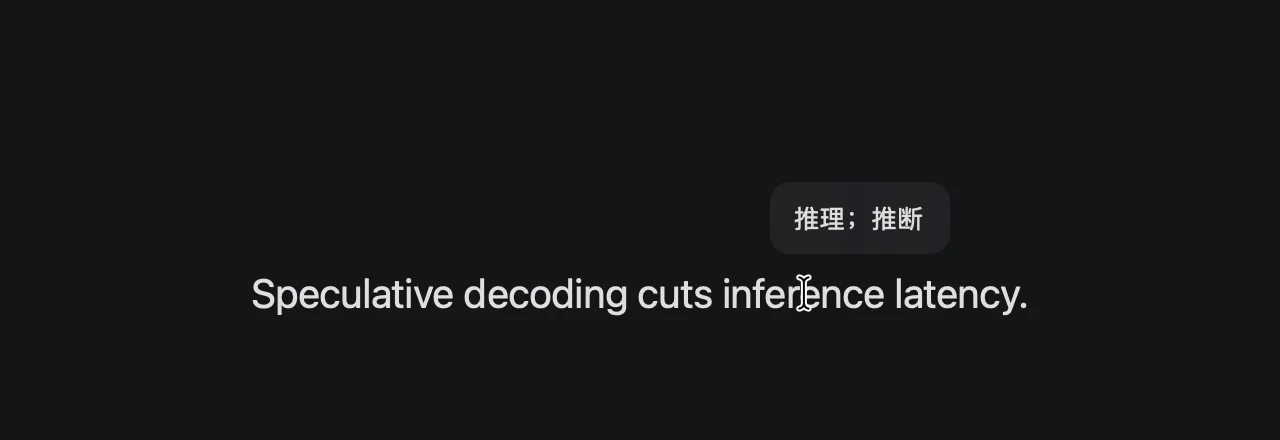
Rest the cursor on an English or Japanese word to see its Chinese meaning and hear it read aloud. No selecting, no copying; works in web pages and Electron apps too.
What I built
Vision OCR reads the word under the cursor, which is why it works in web pages and Electron apps without selecting or copying.
For English it prefers the Oxford English–Chinese dictionary built into macOS and picks the sense that fits the part of speech in context; anything missing comes from the offline ECDICT. For Japanese it shows the dictionary form, the reading and the Chinese meaning.
It can pop up on click instead. It reads a word aloud after about half a second of hovering, fetching the pronunciation online the first time and using a local cache after that.